Q1 2025 Candid Release Highlights
Comment Index
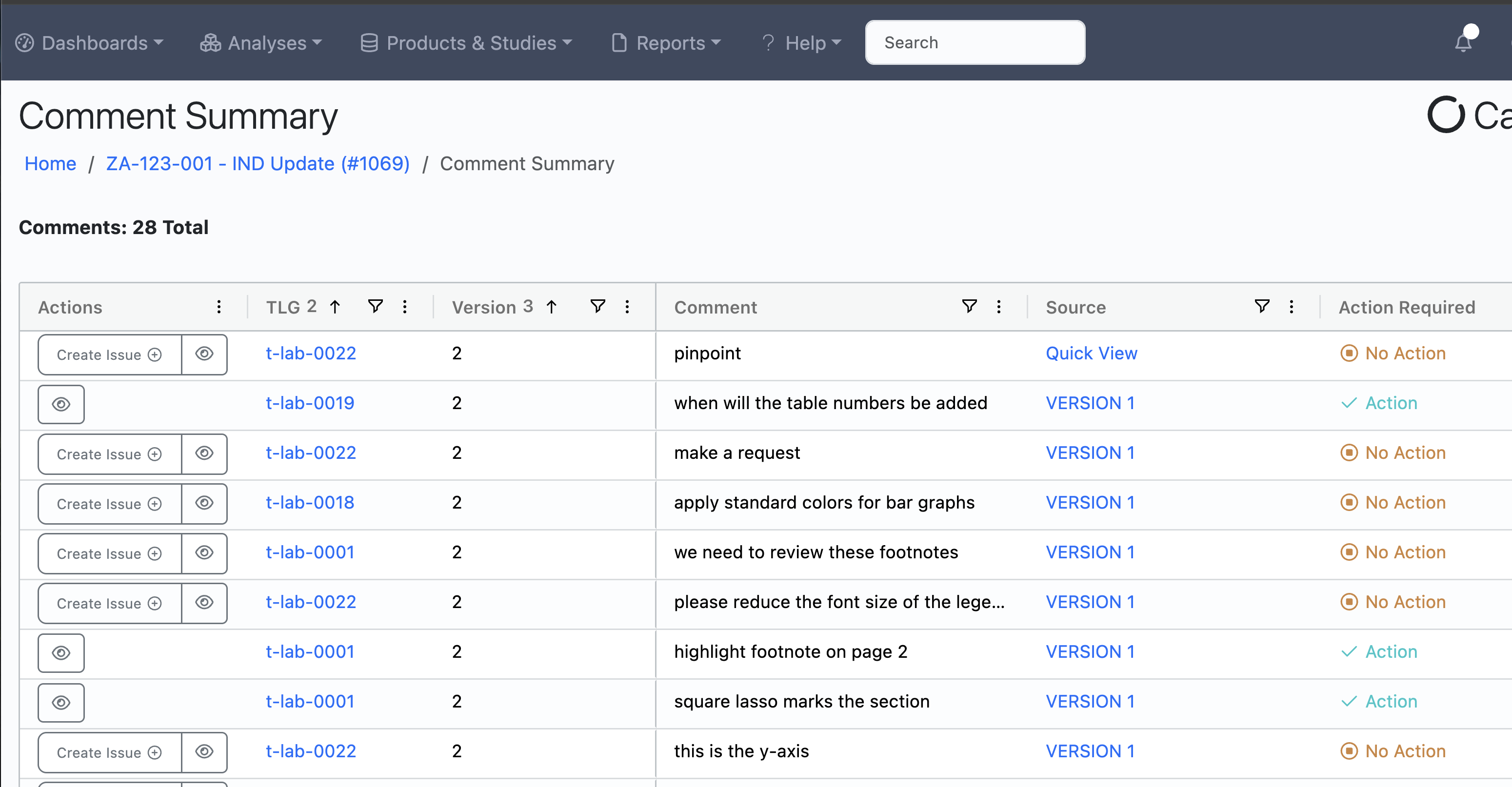
We have added a brand new feature that will allow Biostat teams to browse, sort, and filter all TFL comments originating within an Analysis. This index, accessible from the Analysis Details page, contains all comments from the Quick View area and all comments from each Review Period.
Browse Comments and Turn them into Action items for Programming
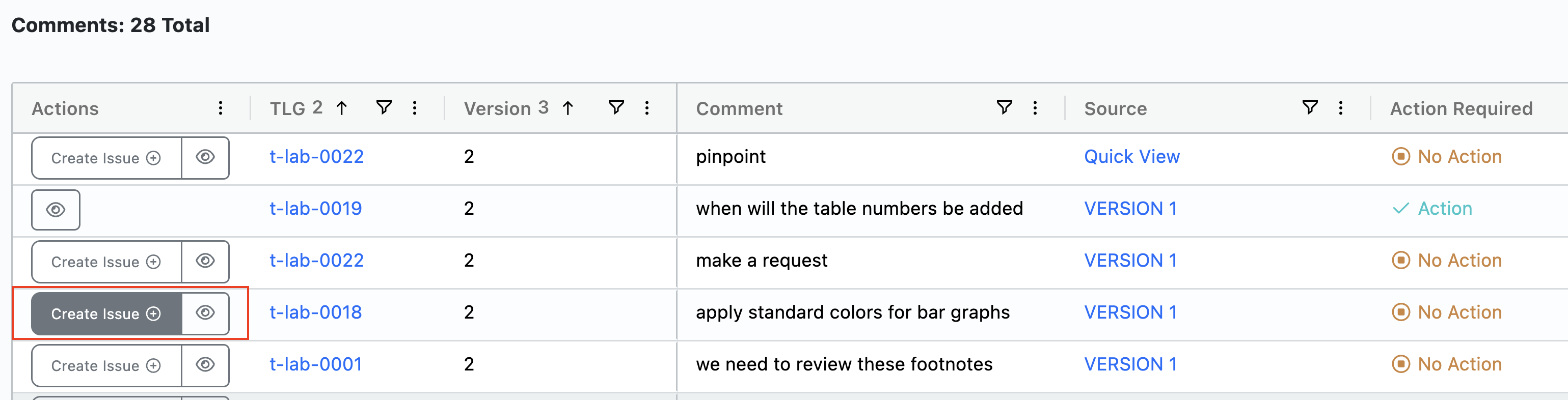
Feedback from Biostat teams and TFL reviewers can be turned into actionable issues for programming teams to address directly from the Comment index. Users can click the Create Issue button in the row with the comment. The status of the comment will change to Action and an Issue will be created with the comment text and a link to the TFL it is associated with. Users can also view markup comments without leaving the Comment index by clicking the button with the eye icon.
Issue Index
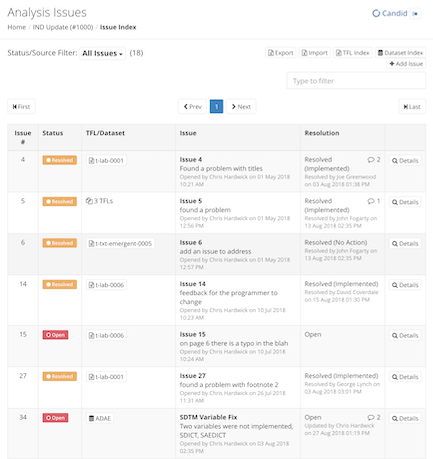
We have updated the Issue Index to use a grid-based layout. This will allow users to sort, filter and change column order in an Excel-like manner to suit preferences.
Re-Open Adjudication after Review has been Completed
Customers have been telling us that they sometimes complete a review period before all the comments have been adjudicated. In these cases there may be a lot of comments that need to be adjudicated, or a new set of TFLs have already been prepared for review before the previous adjudication has been completed. To support these scenarios, we have added the ability to change the status back to adjudication at any time. This can be done to any previous review period.

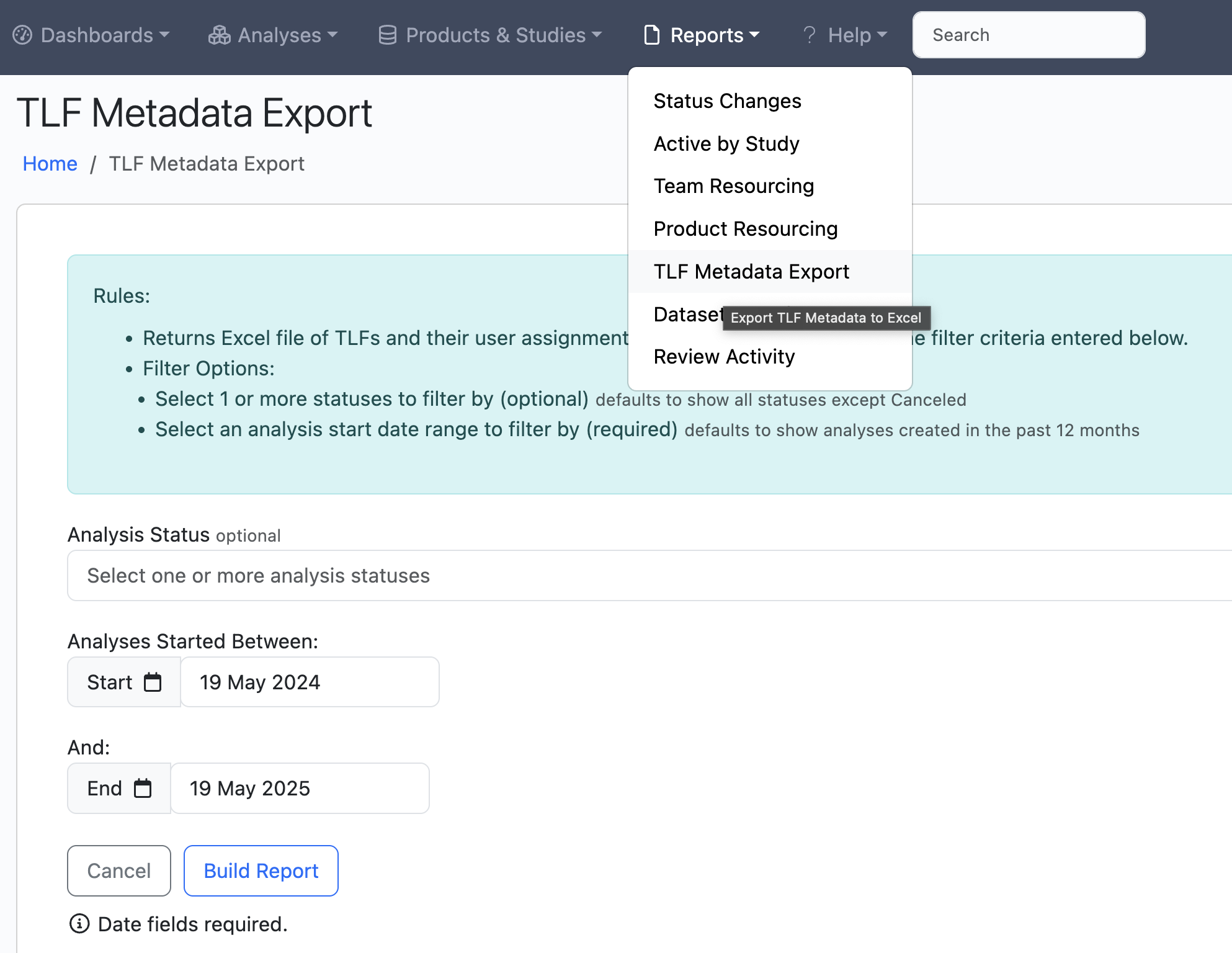
Export TFL/Dataset Metadata to Excel across Analyses and/or Timepoints
Two new export utilities have been added that allow teams to export TFL and Dataset metadata across analyses or from analyses started within a certain date period.